For Etsy sellers
Photo resizing for Etsy sellers
Drop your product photos, choose SizeSpec's Etsy preset, and download a ZIP of resized images. No account is needed for the free pack, and resizing keeps your photos in your browser.
Resize Etsy photos free1 free ZIP pack per calendar month, up to 5 photos. No account or card needed.
See an actual Etsy preset export
We exported the existing SizeSpec wallet demo image with the square and landscape Etsy presets. Compare the original with the exported JPEGs, then download the ZIPs to inspect their dimensions and file sizes.
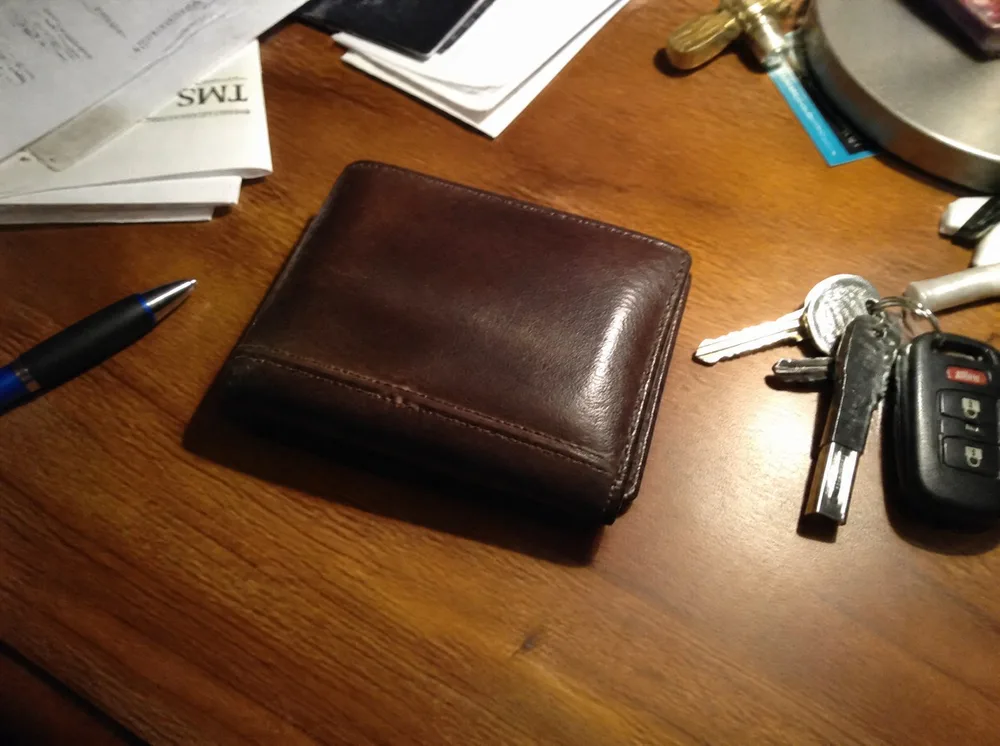
Original demo image
1000 × 746 px · WebP
62 KB (62,112 bytes)
Download original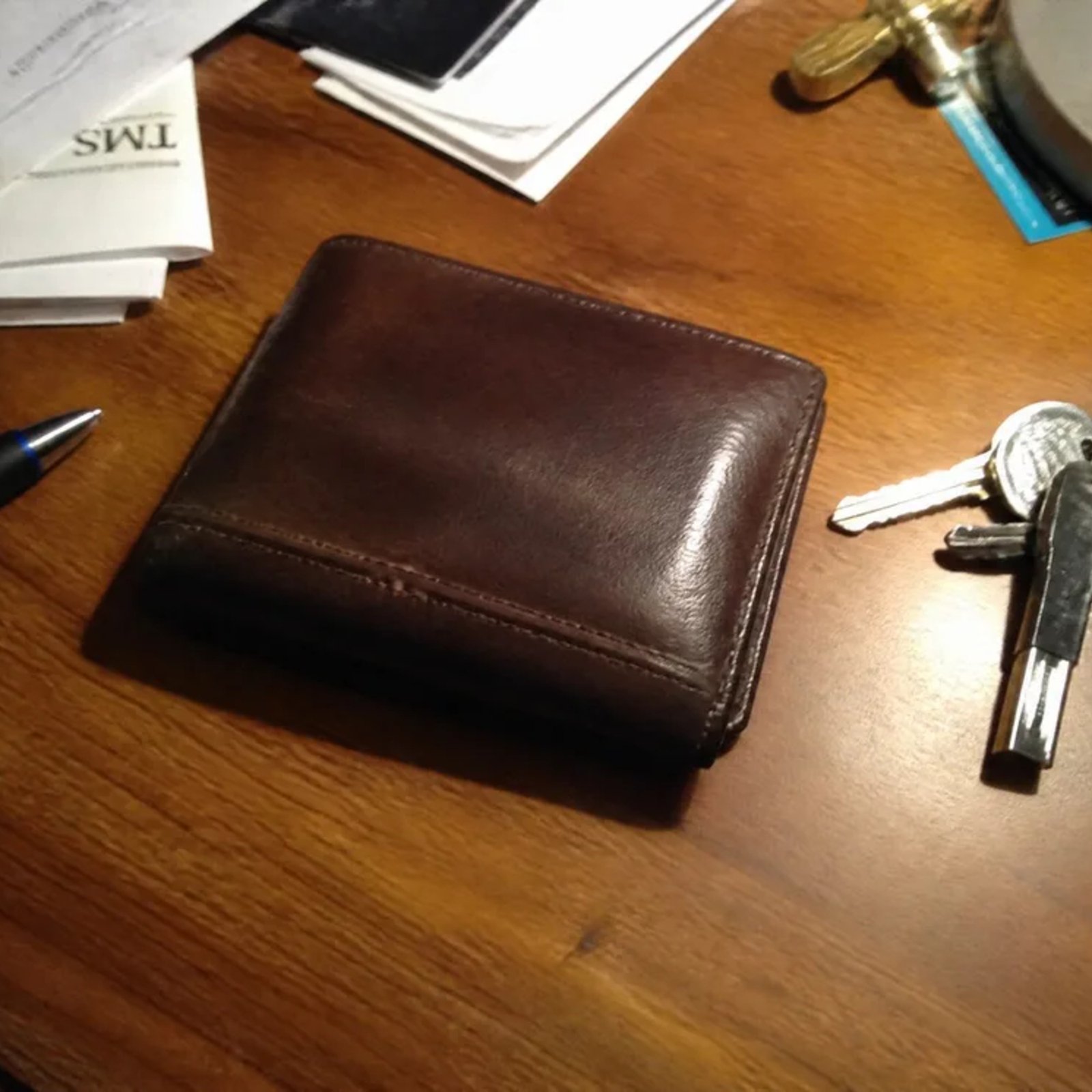
Square export
2000 × 2000 px · JPEG
403 KB (402,821 bytes)
Crop to fill · Below the 1 MB target
Download JPEGSample ZIP · 403 KB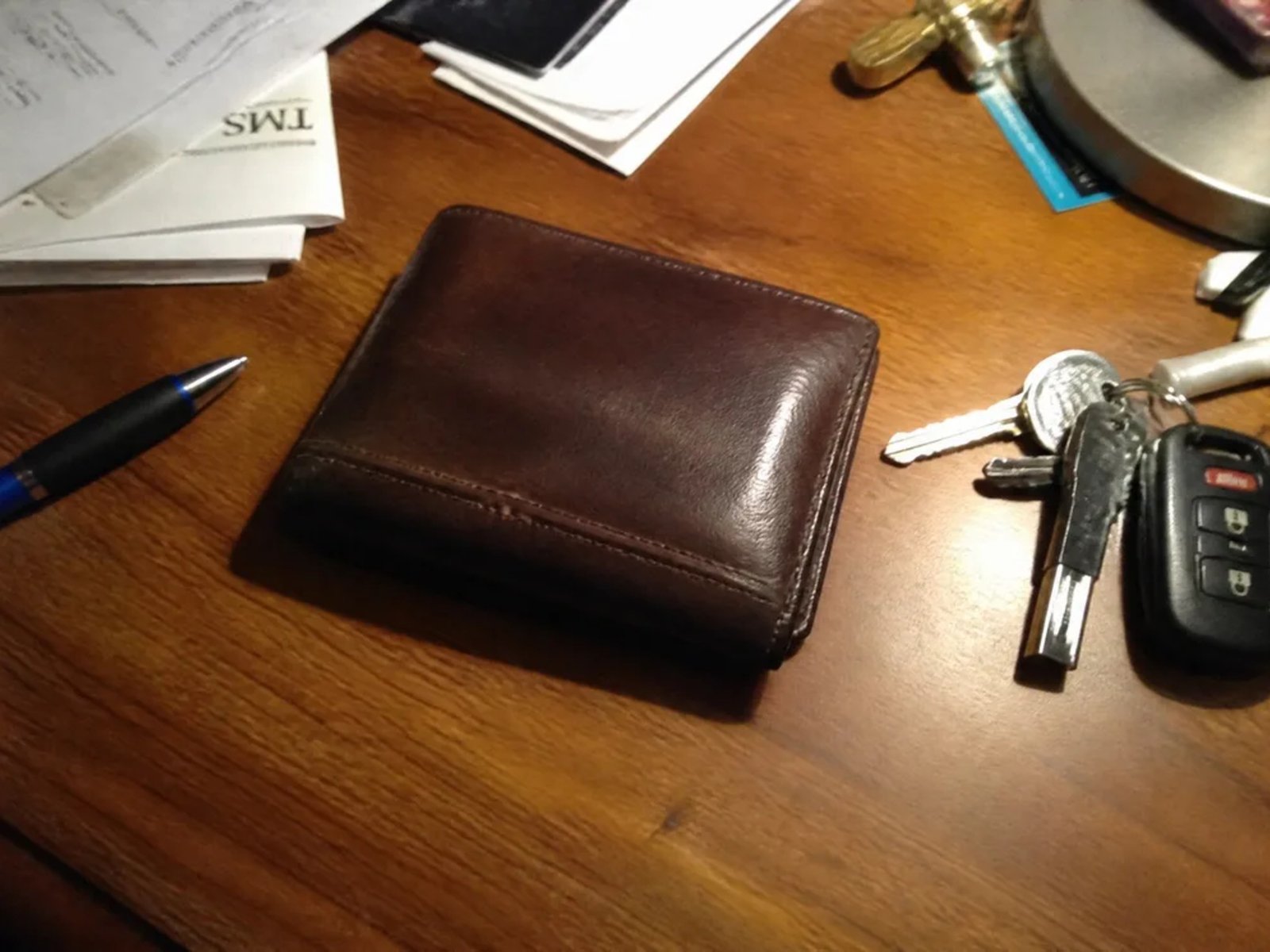
Landscape export
2667 × 2000 px · JPEG
528 KB (528,340 bytes)
Crop to fill · Below the 1 MB target
Download JPEGSample ZIP · 529 KBBoth exports enlarge the 1000 × 746 original. That changes the dimensions, not the amount of detail. Resizing keeps the original desk background. File sizes vary with the photo and browser.
Resize photos for Etsy in one batch
- Open the studio with the Etsy preset selected. Choose square or landscape before adding your photos.
- Add your originals together. Use Crop to fill to trim the edges, or Fit on white to keep the whole photo with white margins.
- Export one ZIP, extract the JPEGs and check that the products are sharp and fully visible before uploading to Etsy.
Etsy recommends images at least 2000 pixels wide and tall and accepts landscape or square first photos. These are recommendations for your listing, not a requirement to use SizeSpec's square preset. Read the sourced Etsy image guide for the full details.
Square export
2000 × 2000 pixels. Check that a centred crop leaves room around your product.
Use square presetLandscape export
2667 × 2000 pixels, approximately 4:3. A SizeSpec option for a wider composition; Etsy does not mandate this exact ratio.
Use landscape presetBefore cropping
LANDSCAPE PHOTO
The yellow rectangle marks an off-centre product. The dashed outline is the square crop area.
Crop to fill
EDGES REMOVED
A centred square crop fills the frame but cuts into the product on the left.
Fit on white
WHOLE PHOTO KEPT
The entire landscape photo fits inside a square. White margins are added above and below.
A correctly sized file can still have a clipped product or an unsuitable background. SizeSpec resizes, crops and compresses; it does not guarantee listing acceptance. Its file size target is a goal, so check any export warnings.
Why this is slower than it should be
- ·Photos come from different phones and cameras, in different sizes and aspect ratios, and Etsy's Shop Home grid crops them to square.
- ·A listing with the wrong aspect ratio loses the edges of the product in search and category pages.
- ·Resizing a batch of 10-50 photos by hand in Photoshop or Canva before every new listing is slow, and easy to get inconsistent.
See the exact Etsy spec
Etsy listing photo size: recommendations and export options quotes Etsy's own words, dated, with the size SizeSpec outputs for it.
Questions
What size does Etsy want for listing photos?
See the full, sourced answer in the Etsy listing photo size guide, including the file size goal and framing SizeSpec uses.
Can I resize a whole batch of listing photos at once?
Yes. Drop every photo for a listing into the studio, pick the Etsy preset, and download one ZIP with all of them sized and framed the same way.
Do I need an Etsy seller account connected?
No. SizeSpec never connects to your Etsy account; it only resizes the files you drop in, in your browser.